

🥇 qAssets: now open to everyone
No more waitlist. Open any qAsset market, click “Get early access” and you’re trading a few seconds later.
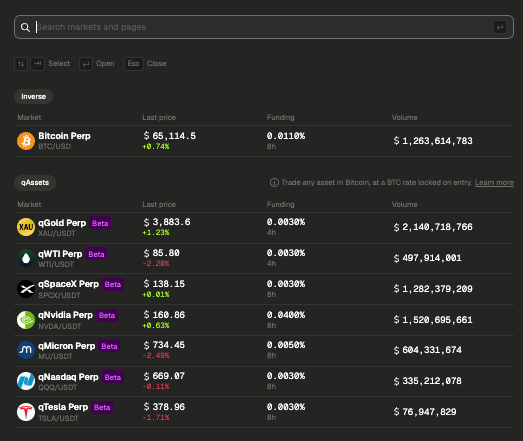
With qAssets, you can go long or short on gold, oil, Tesla, Nvidia, SpaceX, Micron and the Nasdaq without ever leaving bitcoin. No stablecoins, no bank transfer, no broker account. You deposit sats over Lightning, your margin and P&L stay in sats, and the BTC rate is locked when you open the trade, so you’re trading the asset and not BTC/USD on top of it.
The available markets: qGold, qWTI, qSpaceX, qNvidia, qMicron, qNasdaq and qTesla. The API works from day one: same keys, same endpoints.
New to quanto markets? The qAssets guide explains everything in five minutes.
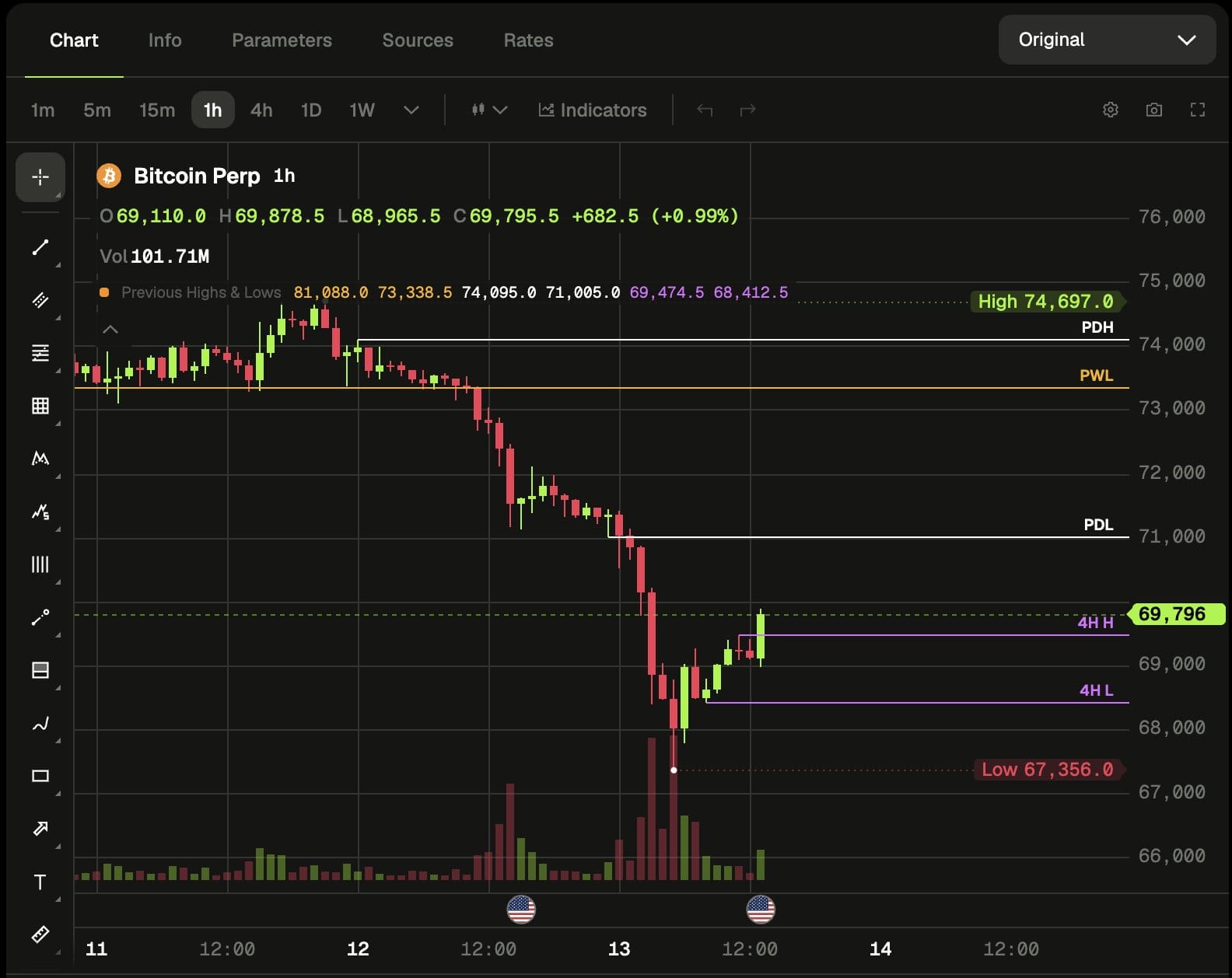
📊 Meet the Original chart
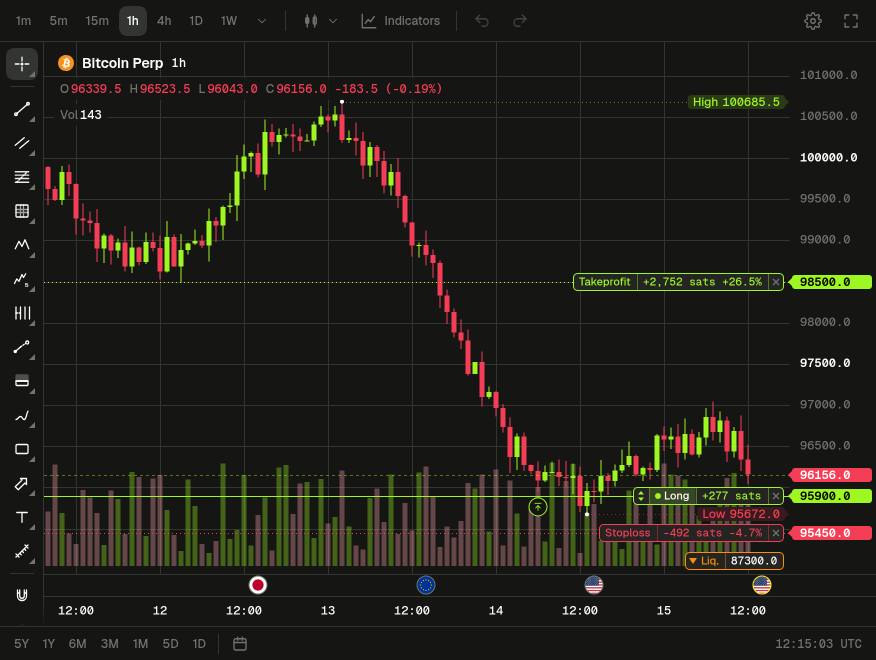
We built our own chart. It’s fast, it’s ours, and you can trade directly on it.
- Everything you’d expect: 106 indicators, around 80 drawing tools, and layouts that sync across your tabs and devices. Coming from TradingView? Import your layouts in one click.
- Trade from the chart: drag your take profit and stop loss lines, pull a new TP/SL out of a position, close or cancel with ×, and add margin by dragging the liquidation line. Each action asks for confirmation, which you can turn off.
- Market sessions: see when New York, London, Tokyo and CME are open, right from the bottom bar.
- Share your setup: download a screenshot of the chart or send it straight to X, Telegram, WhatsApp and more.
TradingView is still available from the selector next to the Chart tab, but trading from the chart is now only possible on the Original chart. Everything is documented in the new Chart section of the docs.
✨ New
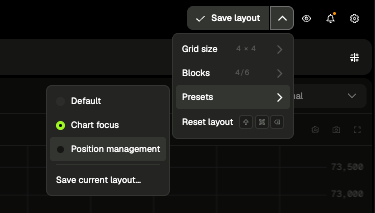
- Your perp page, your layout: on desktop, drag, resize, show or hide each block, maximize the one you’re focused on, and save up to 10 presets. The new default layout adapts to wide screens, so the order form stays usable even on a 4K monitor.
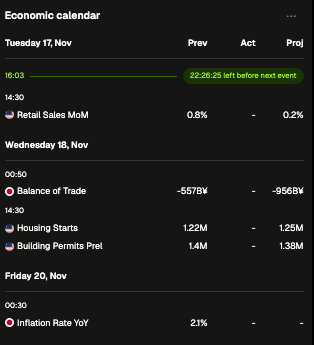
- Economic calendar: the news feed becomes a live calendar of macro releases, with a countdown to the next one and actual figures appearing as soon as they’re published. Filter to high-impact or already released events.
- A faster Cmd+K: move through results with Tab, find your 5 most recent picks at the top, and land back where you were when you close it.
✅ Account verification
Account verification is now open to everyone in Settings → Account verification. New accounts need to verify before their first deposit or trade. For existing accounts, it’s optional for now, with the following timeline:
- 13 Jan 2027: the transition period starts.
- 17 Mar 2027: unverified accounts can only withdraw.
- 16 Apr 2027: open positions on unverified accounts are closed.
Why we’re doing this, what it asks of you, the verification limits and our commitments: it’s all in our full post on account verification.
Our Terms of Service have also been updated.
🔧 Improvements
- Foldables and small tablets: the phone layout now applies up to 840px wide. Above that, the order form sits next to the chart without squeezing it.
🐛 Fixes
- Volume on the account dashboard is now shown correctly in USD.
- A swap of exactly $0.01 is no longer rejected as dust.
Stay in the loop
New posts in your inbox, plus access to the discussion.
Subscribe