

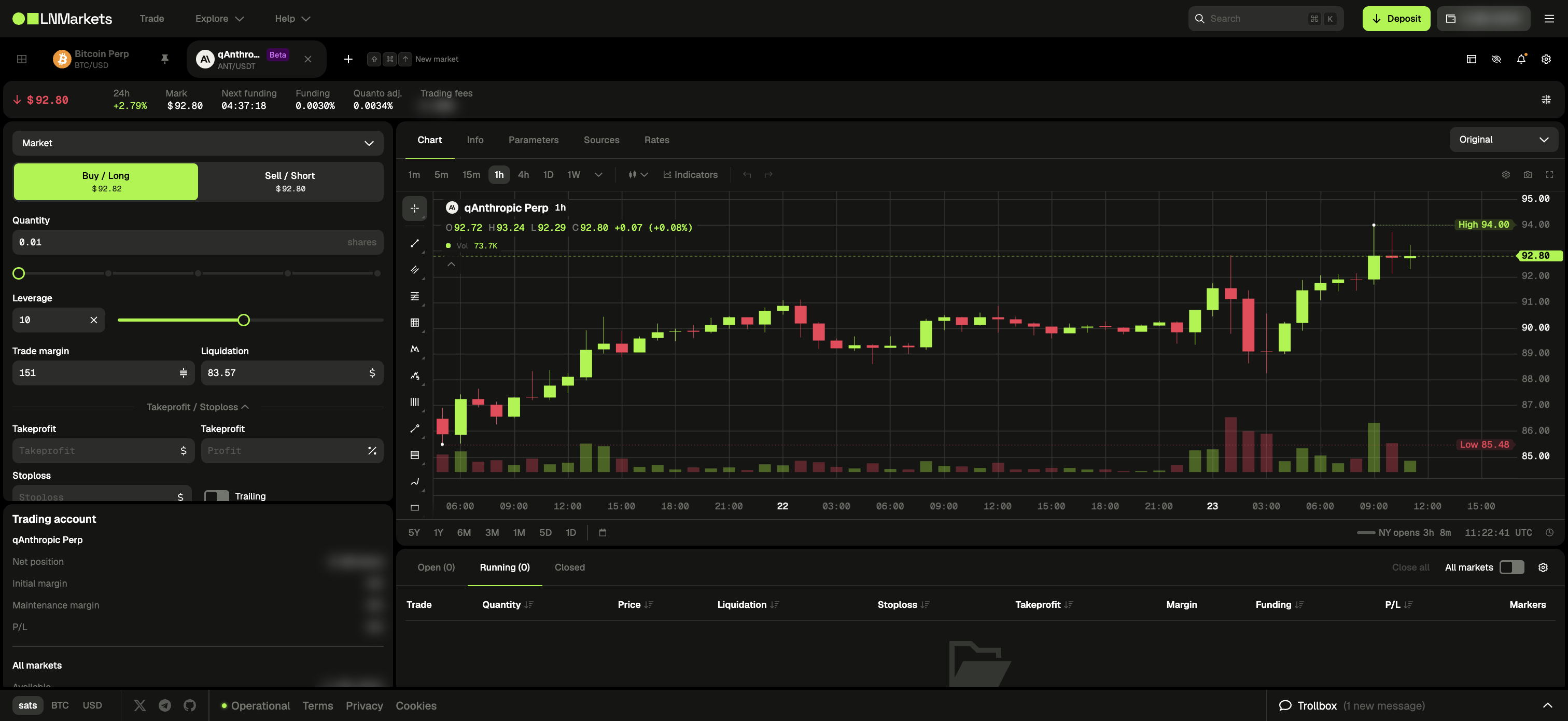
🤖 qAnthropic Perp: open to everyone
Anthropic just went public on the Nasdaq, and you can already go long or short on it from your bitcoin balance.
It works like every other qAsset. The BTC rate is locked when you open the position, so you trade the Anthropic price, not the BTC move. Margin and P&L stay in sats. Leverage goes up to 20x, funding is every 8 hours, and the market is open 24/7.
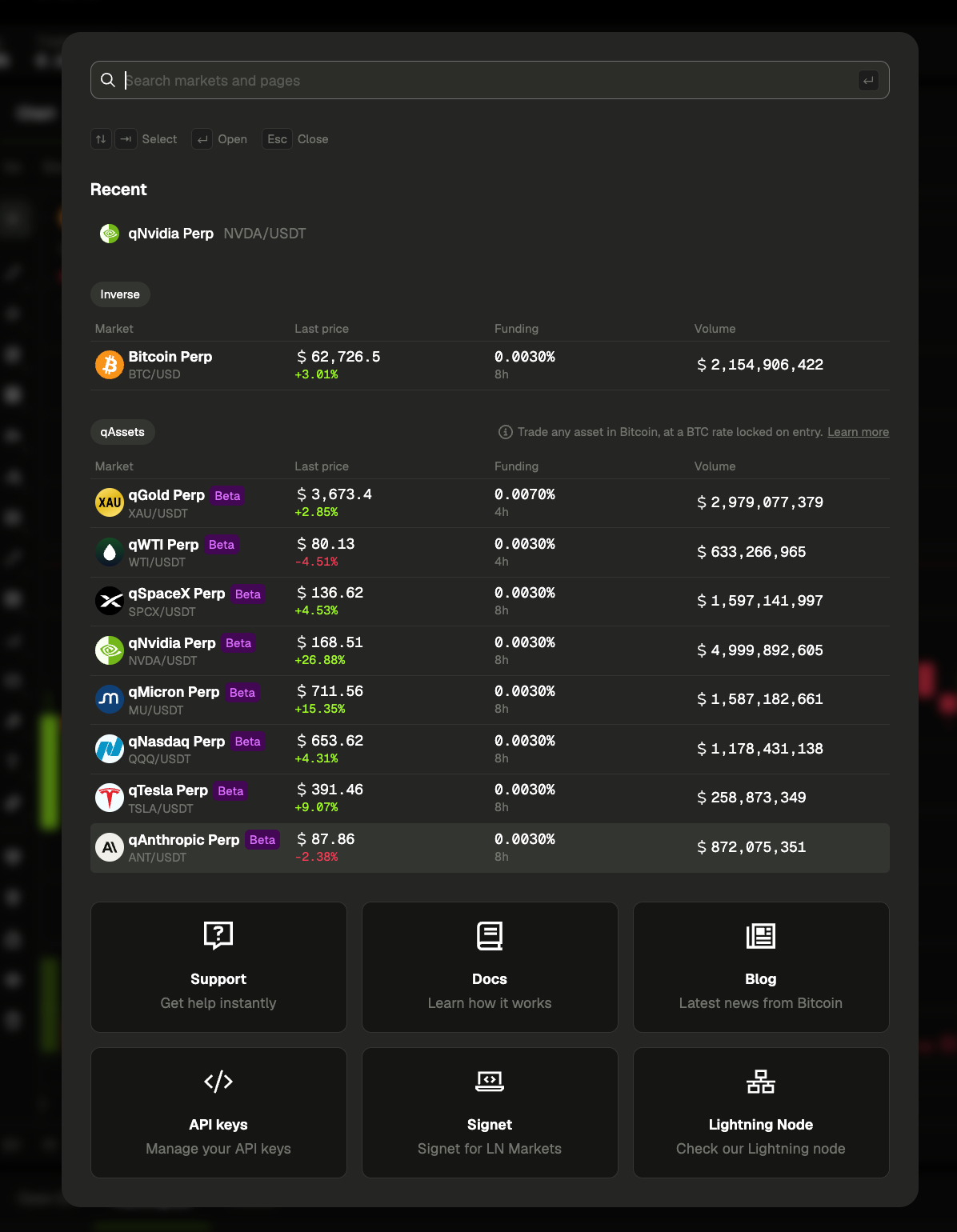
How it works, from the index to dividends and splits: qAnthropic Perp docs. API and streams users: the pair is ant_usdt.
📊 Multi-charts
A new page for watching markets: up to 16 live charts side by side, each on its own market and timeframe. Open it from the grid icon at the start of the market tabs, or go straight to /perp/multi-charts.
- One drawing toolbar works on every chart, and Undo (Cmd/Ctrl+Z) reverts the last drawing wherever it is.
- Drag charts to split, swap or resize them. The layout is saved on your device.
- It's built for desktop screens.
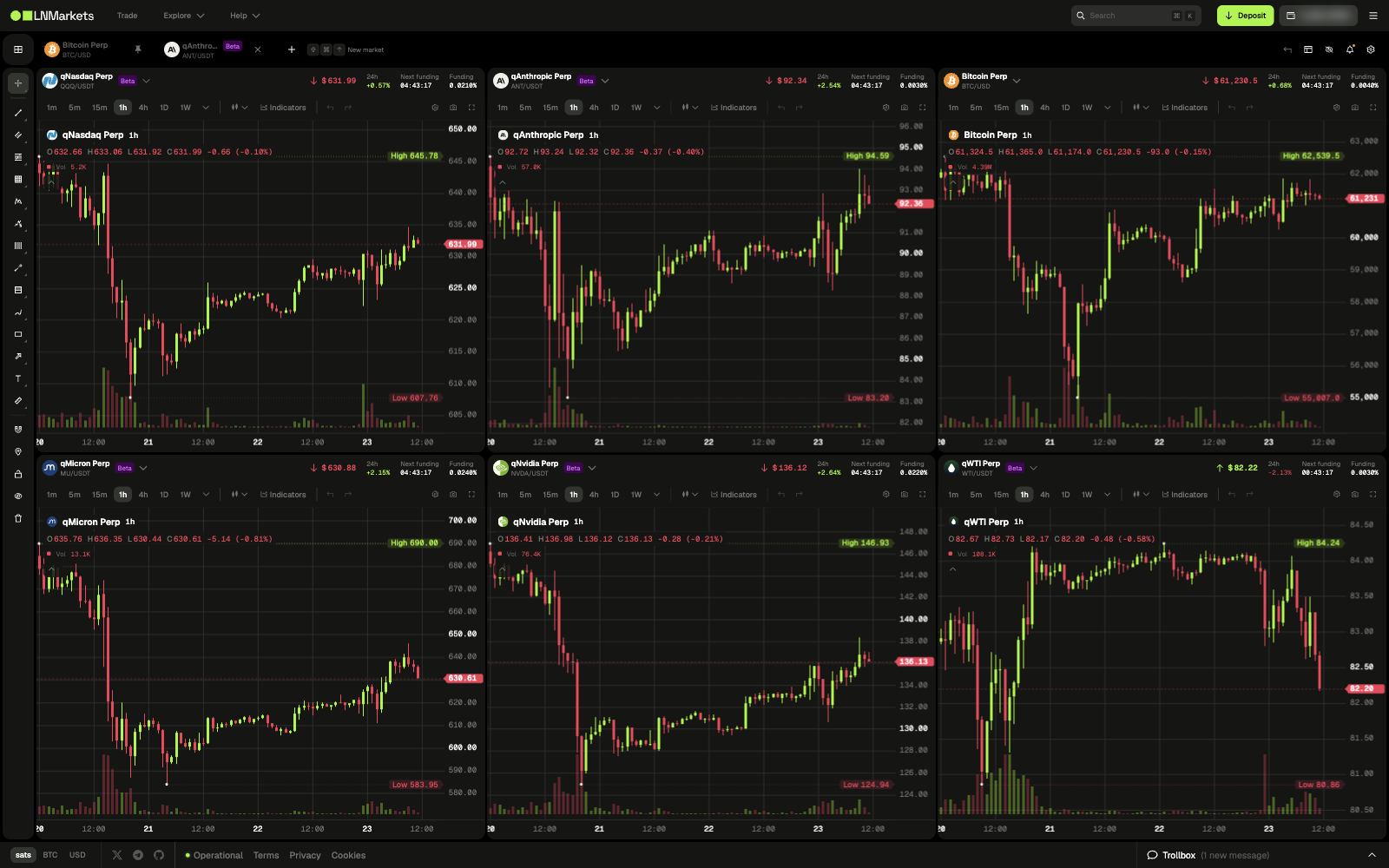
The full tour is in our Multi-charts post.
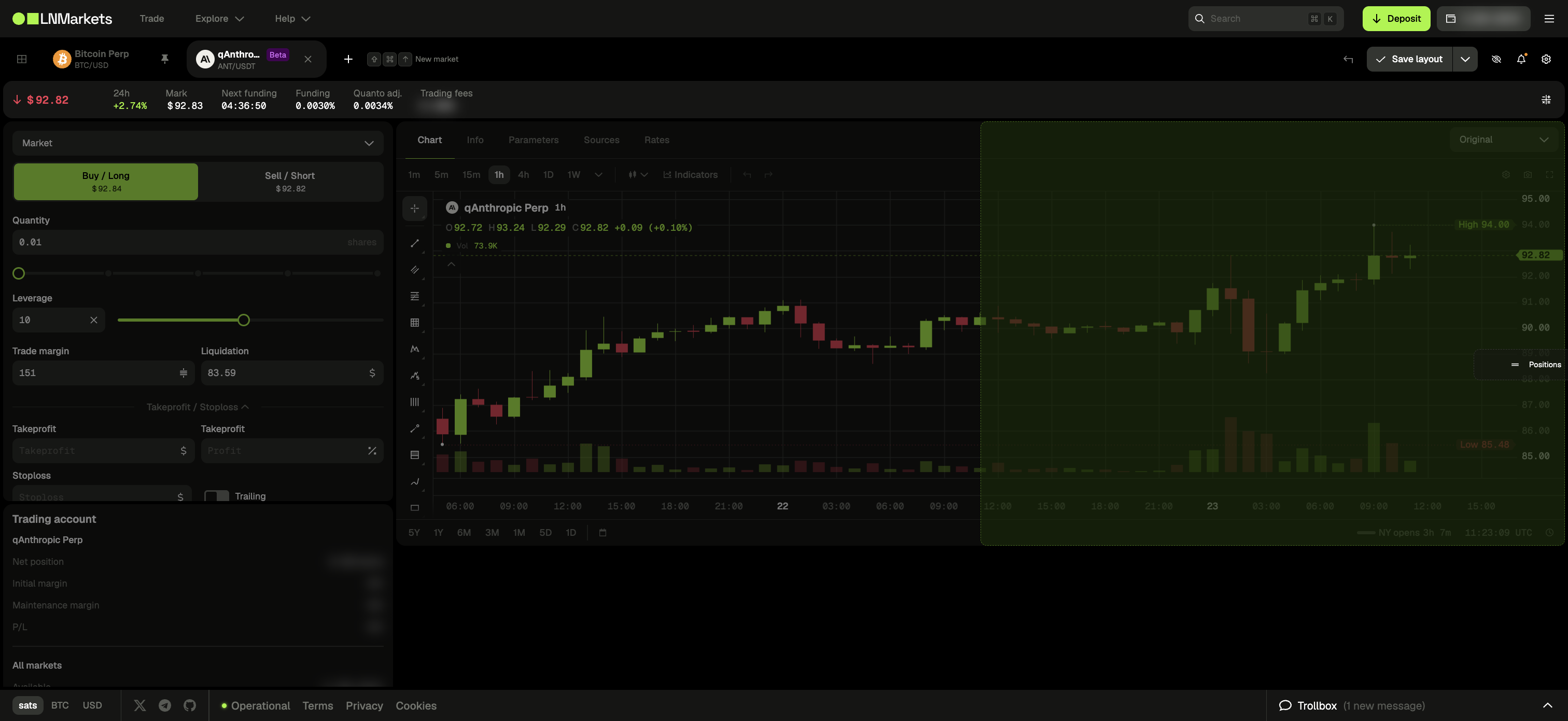
🧩 Lay out the trade page your way
The fixed grid is gone. In edit mode, drag a divider to resize two blocks, drop a block on another's edge to split it or on its centre to swap them, lock a block's size, or hide it with the cross. Drag the bottom edge to make the page taller than your screen. Mod+Z undoes the last change.
The whole trade page now scrolls, too: the nav, market tabs and ticker move with the blocks, like on every other page.
✨ New
- Est. P/L on running trades: the Net P/L column is now Est. P/L. It takes off the closing fee at the current Mark price and your fee tier, so it shows what you'd actually get if you closed now. The tab title follows when you're in net P/L mode.
- Video tutorials: the Perps docs now have five short videos covering the basics of a trade: opening a position, monitoring it, closing it, setting a stoploss and takeprofit and market vs limit orders. Each one sits next to the section it explains and has English captions and chapters, so you can jump straight to the step you need.
- Chart volume is now an indicator: the volume bars at the bottom of the chart work like any other indicator. Hide them, change their settings, or remove them and add them back from Indicators. They use your Up/Down colours.
- Candle countdown on the chart: a new clock button in the bar under the chart shows or hides a timer counting down to the close of the current candle.
- Copy image: the Screenshot menu can now copy the chart to your clipboard, next to Download and Share.
- Calendar ↔ chart: hover a row in the economic calendar and its badge lights up on the chart's time axis.
🔧 Improvements
- Add margin, Stoploss and Takeprofit open with the input already focused, so you can type straight away.
- On touch screens, a long press on a drawing tool group opens its menu and keeps it open.
- On-chain deposits show their confirmation count right away instead of after the next block.
- Economic event tooltips on the chart list values like the calendar does: Prev, Act, Proj.
🐛 Fixes
- After a lost connection (sleep, network drop, deploy), the chart reloads its candles instead of missing some or keeping a stale last one.
- Funding, wallet and sign-in history no longer go empty when you click Next quickly. If a page fails to load, you get an error and a Refresh button.
- On History → Perp, the whole Isolated and Cross tabs are clickable, not just the label.
Stay in the loop
New posts in your inbox, plus access to the discussion.
Subscribe